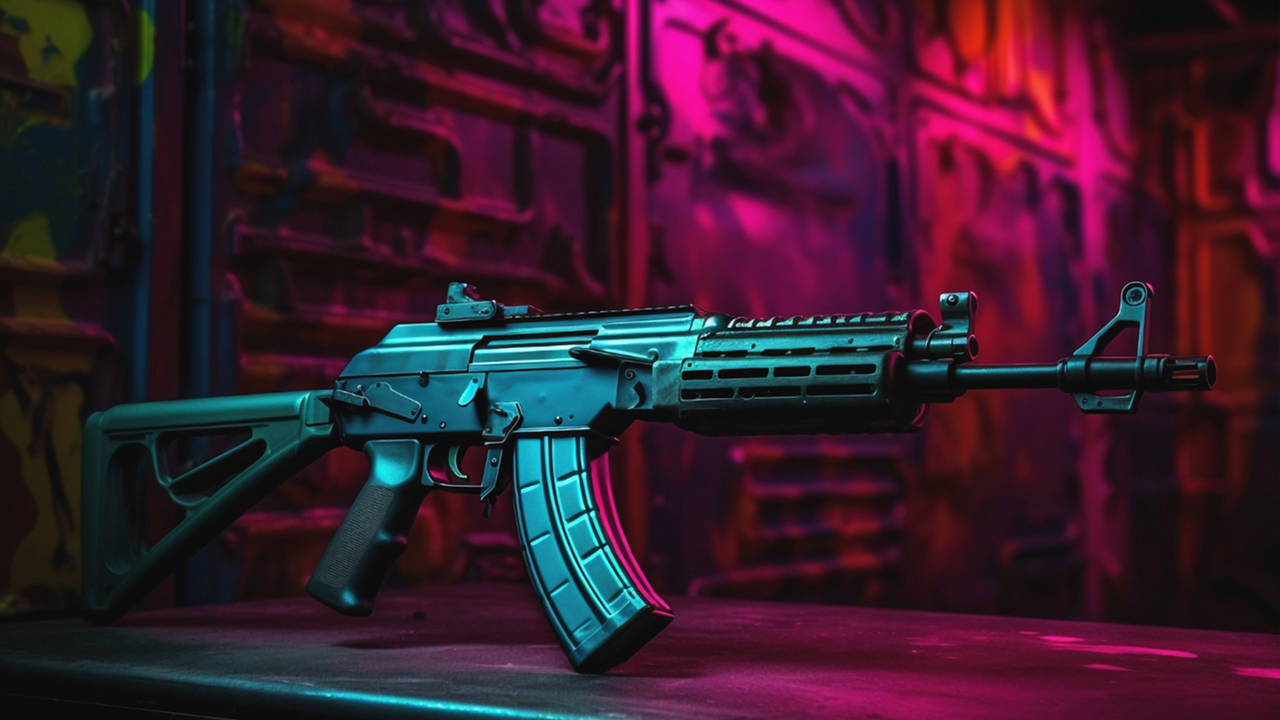
You might want to design concept weapons but don’t know where to start. Drawing inspiration from games or 3D visuals and creating your own weapon designs is actually easier than you think. By acting on a correct plan, you can manage both the 2D concept drawing and the 3D modeling process much more comfortably. Here is a step-by-step, simple guide to concept weapon design.
Gather inspiration and references
Before moving on to the design, you must collect reference visuals. Programs like PureRef will be very useful for this. You can create an inspiration board by gathering different visuals on a single screen.
You don’t have to focus only on weapon visuals as references. Interesting surface textures, machines, vehicle parts, or industrial designs can also give you ideas.
You can look at the following areas for inspiration:
- Video games (e.g., games like Destiny, Borderlands, Overwatch)
- Visual platforms like ArtStation and Pinterest
Remember: Compare yourself not with others, but with your previous work.
Choose a simple weapon base
Don’t forget; you don’t necessarily have to create something from scratch. You can first take the side view of a real weapon as a reference. For example, choosing a compact model and drawing its basic outlines makes your job very easy.
The goal here is not to copy, but to understand the shape. Drawing over it is a natural part of the learning process.
Generate ideas with quick sketches
At this stage, drawing beautifully is not important. Your goal here is just to generate ideas.
Pay attention to these points:
- Anchor Points: Parts like the grip, trigger, barrel, and magazine ensure the weapon looks “like a weapon.”
- Repeating Details: Small repetitions like vents, channels, and lines make the design look nicer.
- Detail Balance: Everywhere shouldn’t be overly detailed; some areas should remain plain.
Make a lot of small sketches at this stage. The more attempts, the better the result.
Select and refine the best sketch
Put your sketches side by side and take a short break. When you look with fresh eyes, you can select the best idea more easily.
Clean up the chosen design and focus on these points:
- Are the proportions correct?
- Are the parts logical?
- Does the weapon look like it can be held in a hand?
This stage is one of the most important stages.
Line art (clean drawing) stage
Now it’s time to clean up the lines.
The most important thing to pay attention to here is: line weight difference.
- Outer outlines → Thick line
- Inner details → Thin line
In this way, the drawing looks much clearer and more professional.
Simple and effective color selection
There is no need for complexity in the color stage.
Following the simple rules below is sufficient:
✅ 1 main color ✅ 1–2 auxiliary colors
Using contrasting colors from the color wheel gives very good results at this stage:
- Blue – Yellow
- Red – White
- Green – Red
Try different color combinations and select the one that looks best.
Add small details before moving to 3D
Before moving to a program like Blender, you can add these small details:
- Material transitions
- Small buttons
- Strap mounts
- Optic rails
These details provide you with great convenience during the 3D modeling stage.
Cartoon render or realistic render?
Here you will have two options:
For simple styles:
A plain “cartoon” style with light shading is sufficient.
For presentation:
If you are going to make a visual presentation, you should use more realistic lighting and materials. If you want to create more professional designs, you can visit CADSoftUSA and choose the drawing software that best suits your needs.